We can interact with the Azure resources using the Powershell commands. We should have the latest version of the powershell module and required Az modules in our system.
Step1: install the latest version of the powershell from the github.
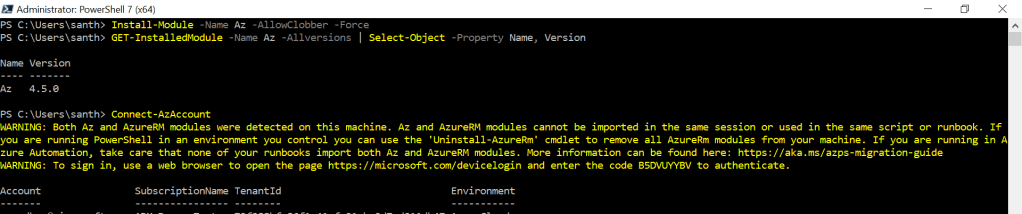
Step2: install the Az modules as follow.
PS C:\Users\santh> Install-Module -Name Az -AllowClobber -Force
PS C:\Users\santh> GET-InstalledModule -Name Az -Allversions | Select-Object -Property Name, Version
Thank you.
 Azure SQL Database